
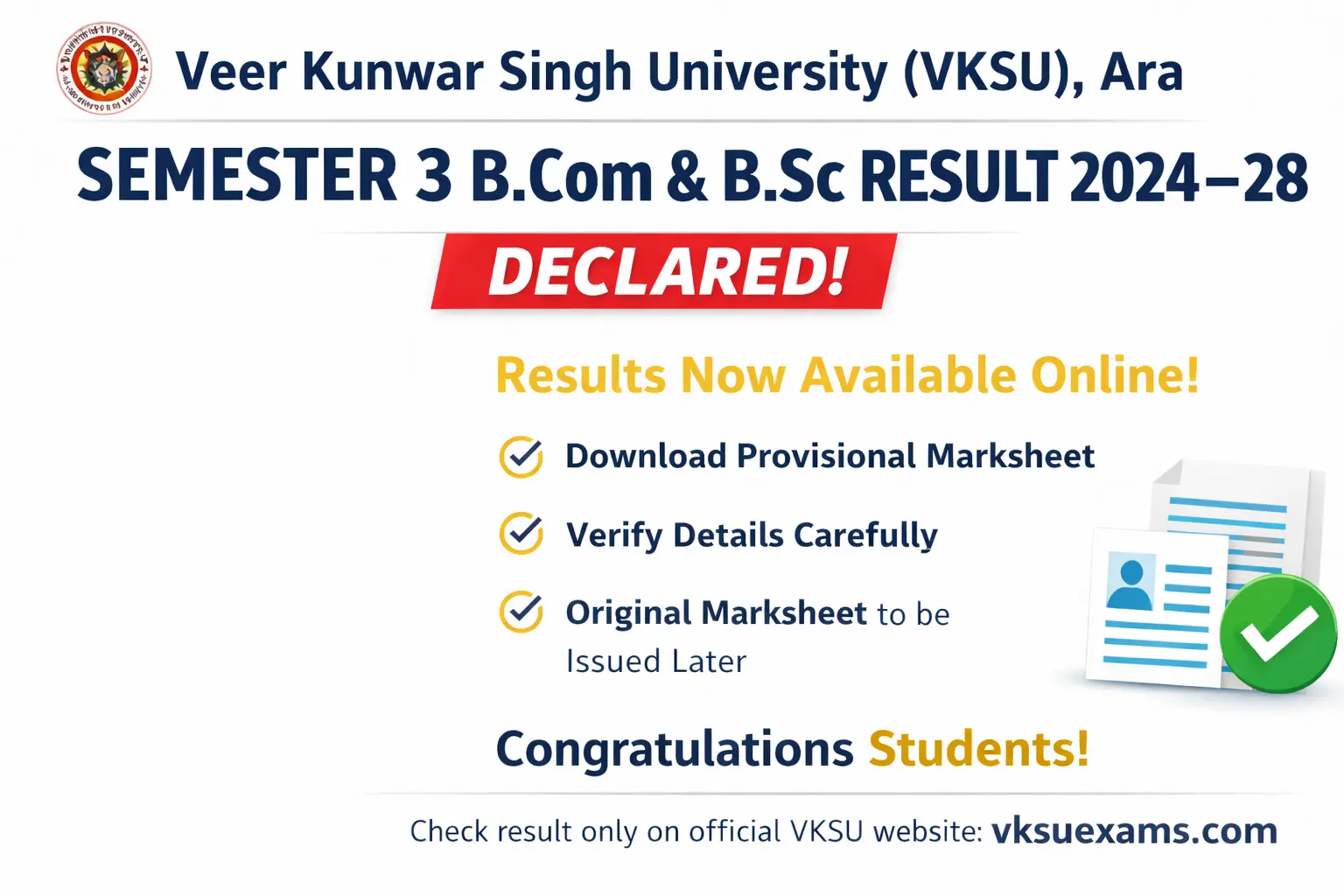
The Veer Kunwar Singh University (VKSU), Ara has officially declared the UG Semester 3 Result for B.Com and B.Sc courses for the 2024–28 academic session. Students who appeared in the Bachelor of Commerce (B.Com) and Bachelor of Science (B.Sc) Semester 3 examinations can now check and download their results through the official examination portal. The result has been released in online mode and can be accessed by entering the Registration Number and Date of Birth.
With the announcement of the B.Com and B.Sc Semester 3 results, students can now review their academic performance and proceed with preparations for the next semester. The online marksheet is provisional and can be used for immediate reference, while the original marksheet will be issued later by the respective affiliated colleges.
| Particulars | Details |
|---|---|
| University Name | Veer Kunwar Singh University (VKSU), Ara |
| Academic Session | 2024–2028 |
| Course | B.Com & B.Sc |
| Course Level | Undergraduate (UG) |
| Semester | Semester 3 |
| Exam Type | Semester Examination |
| Result Status | Declared (OUT) |
| Mode of Result | Online |
| Login Details Required | Registration Number, Date of Birth |
| Result Nature | Provisional |
| Original Marksheet | To be issued later by respective college |
| Official Result Website | vksuexams.com |
| Download link | click here |
Download VKSU Semester 3 B.Com & B.Sc Result
related post
VKSU Semester 3 BA Result 2024–28
VKSU Semester 3 Result 2024–28 LIVE: B.Sc & B.Com Declared, BA Awaited
VKSU Semester 3 Result 2024–28 Released: Check Your Marksheet Online
How to Download VKSU Semester 3 B.Com & B.Sc Result 2024–28
Students who appeared in the Semester 3 examinations of B.Com and B.Sc under the 2024–28 academic session can now download their results online. The result has been officially released by Veer Kunwar Singh University (VKSU), Ara on its examination portal. Follow the steps given below carefully to avoid any mistakes.
Step 1: Keep Important Details Ready
Before checking your result, make sure you have the following information with you:
-
Registration Number (as mentioned on the admit card)
-
Date of Birth (same as university records)
-
Mobile phone / Laptop / Desktop
-
Stable internet connection
Having these details ready will help you complete the process smoothly.
Step 2: Open a Web Browser
Open any updated web browser on your device, such as:
-
Google Chrome
-
Mozilla Firefox
-
Microsoft Edge
-
Safari (for iPhone users)
Using an updated browser ensures better performance and fewer errors.
Step 3: Visit the Official VKSU Result Website
In the address bar, type the official result website carefully:
https://vksuexams.com/results.aspx
Press Enter and wait for the page to load fully.
On result days, the website may load slowly due to heavy traffic—do not refresh repeatedly.
Step 4: Find the Semester 3 Result Link
After the page opens:
-
Look for UG Semester 3 Result
-
Select your course:
-
B.Com or
-
B.Sc
-
-
Click on the correct Semester 3 Result 2024–28 link
Make sure you choose the correct course to avoid errors.
Step 5: Enter Login Details Carefully
You will now see a login page. Enter the required details:
-
Registration Number
-
Date of Birth (in the format shown on the page, usually DD/MM/YYYY)
Important tips:
-
Do not add extra spaces
-
Check numbers carefully
-
Match details exactly with the admit card
Incorrect details may show an error like “No Record Found”.
Step 6: Submit Details to View Result
After entering the correct information:
-
Click on the Submit / View Result button
-
Wait for a few seconds while the system processes your request
Your VKSU Semester 3 B.Com / B.Sc Result will appear on the screen.
Step 7: Check All Details on the Result Page
Carefully verify the following information:
-
Student Name
-
Roll Number and Registration Number
-
Course (B.Com / B.Sc)
-
Semester (Semester 3)
-
Subject-wise marks
-
Internal and external marks
-
Total marks
-
Result status (Pass / Promoted / Fail)
This step is very important to ensure there are no mistakes.
Step 8: Download the Marksheet
To download the result:
-
Click on Download, Print, or Save as PDF option
-
Choose a safe location on your device (Downloads / Documents folder)
For mobile users:
-
Select Save as PDF
-
Store the file in phone storage or Google Drive
Step 9: Take a Printout for Safety
Students are advised to take at least one printout of the downloaded marksheet.
It may be required for:
-
College verification
-
Promotion to Semester 4
-
Scholarship or form filling
-
Academic records
Step 10: Know the Nature of the Online Result
Students should remember:
-
The online result is provisional
-
It is valid for temporary reference only
-
The original marksheet will be issued later by the respective affiliated college
Step 11: What to Do If the Website Is Not Opening
If you face issues while checking the result:
-
Recheck Registration Number and Date of Birth
-
Try again after some time
-
Access the website during non-peak hours (early morning / late night)
-
Use a different browser or device
Step 12: What If There Is an Error in the Result?
If you find any mistake such as:
-
Wrong name
-
Incorrect marks
-
Missing subject
-
Incorrect result status
Immediately contact your college examination office. Corrections are done only through the college as per VKSU rules.
FAQ: VKSU Semester 3 B.Com & B.Sc Result 2024–28
Q1. Is the VKSU Semester 3 B.Com & B.Sc Result 2024–28 declared?
Answer:
Yes. Veer Kunwar Singh University (VKSU), Ara has officially declared the UG Semester 3 result for B.Com and B.Sc courses for the 2024–28 academic session. Students can now check their results online through the official examination portal.
Q2. Which courses are covered under the VKSU Semester 3 result?
Answer:
The declared result is applicable to the following undergraduate courses:
-
Bachelor of Commerce (B.Com)
-
Bachelor of Science (B.Sc)
Both regular and affiliated college students can access their results online.
Q3. Where can students check the VKSU Semester 3 B.Com & B.Sc result?
Answer:
Students can check their results on the official VKSU examination portal. The result is available in online mode and should only be accessed through official or verified websites to avoid incorrect information.
Q4. What login details are required to check the result?
Answer:
To check the VKSU Semester 3 result, students need:
-
Registration Number
-
Date of Birth (as per university records)
Both details must be entered correctly to view the marksheet.
Q5. Can the VKSU Semester 3 result be checked on mobile phones?
Answer:
Yes. The VKSU result portal is mobile-friendly. Students can easily check and download their B.Com or B.Sc Semester 3 result using smartphones, tablets, laptops, or desktop computers.
Q6. Is the online Semester 3 marksheet final?
Answer:
No. The online marksheet is provisional. It is provided for immediate reference only. The original marksheet will be issued later by the respective affiliated college after university verification.
Q7. What information is mentioned on the VKSU Semester 3 marksheet?
Answer:
The online marksheet generally includes:
-
Student’s name
-
Roll number and registration number
-
Course name (B.Com / B.Sc)
-
Semester details
-
Subject-wise marks
-
Internal and external assessment marks
-
Total marks obtained
-
Result status (Pass / Promoted / Fail)
-
SGPA or grade (if applicable under CBCS)
Students should carefully verify all these details.
Q8. What should students do if they find an error in their result?
Answer:
If any discrepancy is found—such as incorrect name, marks, subject, or result status—students must immediately contact their college examination office. The correction process is initiated through the college as per VKSU guidelines.
Q9. What does “No Record Found” mean while checking the result?
Answer:
The message “No Record Found” usually appears due to:
-
Incorrect Registration Number
-
Wrong Date of Birth format
-
Details not matching university records
Students should recheck their details and try again.
Q10. Why does the VKSU result website sometimes not open?
Answer:
On result declaration days, heavy traffic on the website may cause slow loading or temporary access issues. Students are advised to:
-
Try again after some time
-
Check the result during non-peak hours (early morning or late night)
Q11. Is the Semester 3 result important for promotion?
Answer:
Yes. The Semester 3 result is crucial for promotion to Semester 4. Promotion is granted according to VKSU’s academic rules and the Choice Based Credit System (CBCS).
Q12. Will VKSU provide revaluation or scrutiny options?
Answer:
If VKSU opens revaluation or scrutiny, it will release a separate official notification mentioning:
-
Application dates
-
Fees
-
Procedure
Students should regularly check official updates and college notices.
Q13. When will the original B.Com & B.Sc Semester 3 marksheet be issued?
Answer:
The original marksheet will be issued later by the respective affiliated colleges. Students should follow their college notice board or official communication for updates.
Q14. Can the online result be used for official purposes?
Answer:
The provisional online result can be used for temporary academic verification. However, for permanent records, students must use the original marksheet issued by the college.
Q15. Should students trust result screenshots shared on social media?
Answer:
No. Students should avoid relying on screenshots or unofficial links shared on social media. Always check results only through official VKSU portals or verified education websites.
Conclusion
The declaration of the VKSU Semester 3 B.Com and B.Sc Result for the 2024–28 academic session marks an important step in the academic journey of undergraduate students. With the results now available online, students can review their performance and move forward with preparations for the next semester. The online marksheet serves as a provisional record, while the original marksheet will be issued later by the respective affiliated colleges.
Students are advised to carefully verify all details mentioned in their results and rely only on official sources for updates. In case of any discrepancies, timely communication with the college examination office is essential. As academic progress continues under the New Education Policy framework, this result reflects both the efforts of the students and the university’s commitment to maintaining a transparent and accessible examination process.

